
Magic Background Remover
Drop any JPG/PNG and get a refined cutout with hair-level detail, tone-preserving edges, and no halos. Processing runs on PicRemake GPUs while the UI stays in your browser.
Studio-grade alpha mattes
Preserve fine hair, fur, and transparent elements with automatic edge refinement.
Secure cloud execution
Uploads go to your encrypted PicRemake space and are auto-cleared within 24 hours.
Cutouts plus previews
Test your PNG on dark, light, and custom colors before downloading.
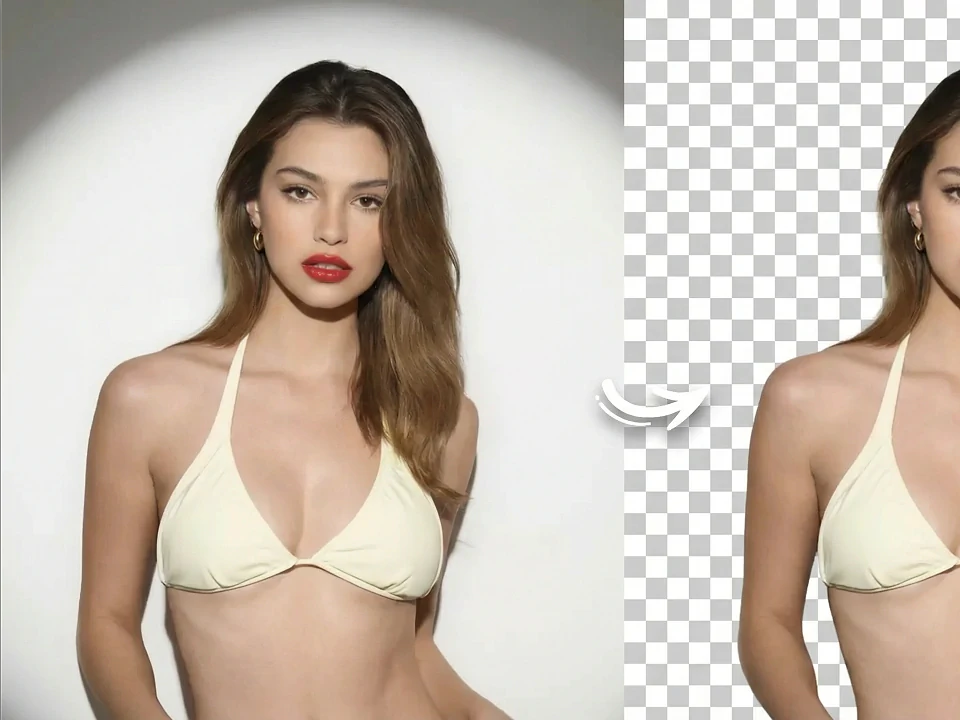
Magic Background Remover
Drop any JPG/PNG and get a refined cutout with hair-level detail, tone-preserving edges, and no halos. Processing runs on PicRemake GPUs while the UI stays in your browser.
Upload
PNG, JPG, or WebP up to 25MB. We’ll store it securely for the duration of the task.
Preview background
Ready for upload
Cutout preview
Transparent PNG overlay · change backgrounds above.
No preview yet
Run background removal to preview the result.
Ready for upload
History
Recent cutouts
No history yet
How it works
How it works
Upload once
Your file is stored securely and encrypted before the task starts.
Let GPUs handle edges
Our background remover isolates the subject, hair, glass, and translucent details.
Preview & download
Check transparency on multiple colors and download the PNG instantly.
Built for modern product workflows
Deliver consistent, marketplace-ready cutouts without manual masking.
Color-preserving edges
Keep reflections, shadows, and highlight roll-offs intact for premium campaigns.
Enterprise privacy
Authenticated uploads, encrypted storage, and automatic expiry keep assets safe.
Preview controls
Validate the cutout on dark, light, or custom brand colors before exporting.
Use cases
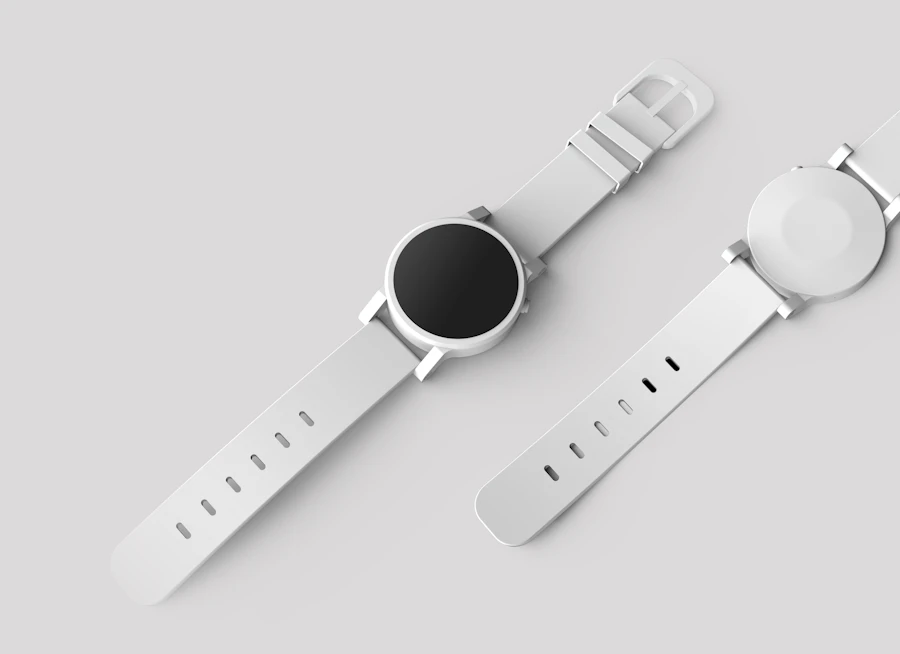
Marketplace product listings
Deliver clean white-background PNGs for Amazon, Shopify, and wholesale catalogs.

Creative proofs
Share transparent cutouts with art directors to drop into comps instantly.

Portrait & social content
Isolate creators or models for campaign graphics without outsourcing.
FAQ
Essential AI Tools
High-frequency image polish utilities.

 After
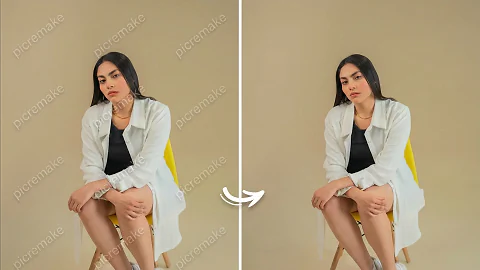
AfterWatermark Cleaner
Erase logos and on-image text while keeping content intact.

 After
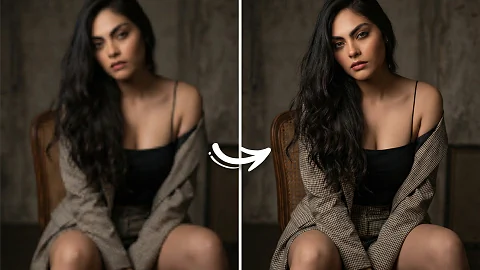
AfterHD Image Upscaler
Enlarge images while preserving sharp detail for print and web.
 After
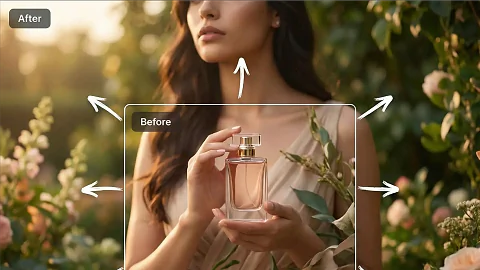
AfterImage Extend Studio
Outpaint borders for new ratios and layout needs.
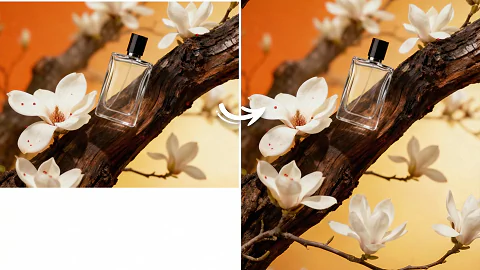
Aspect Ratio Remix
Resize key visuals for vertical, square, or widescreen canvases.