
Watermark Cleaner
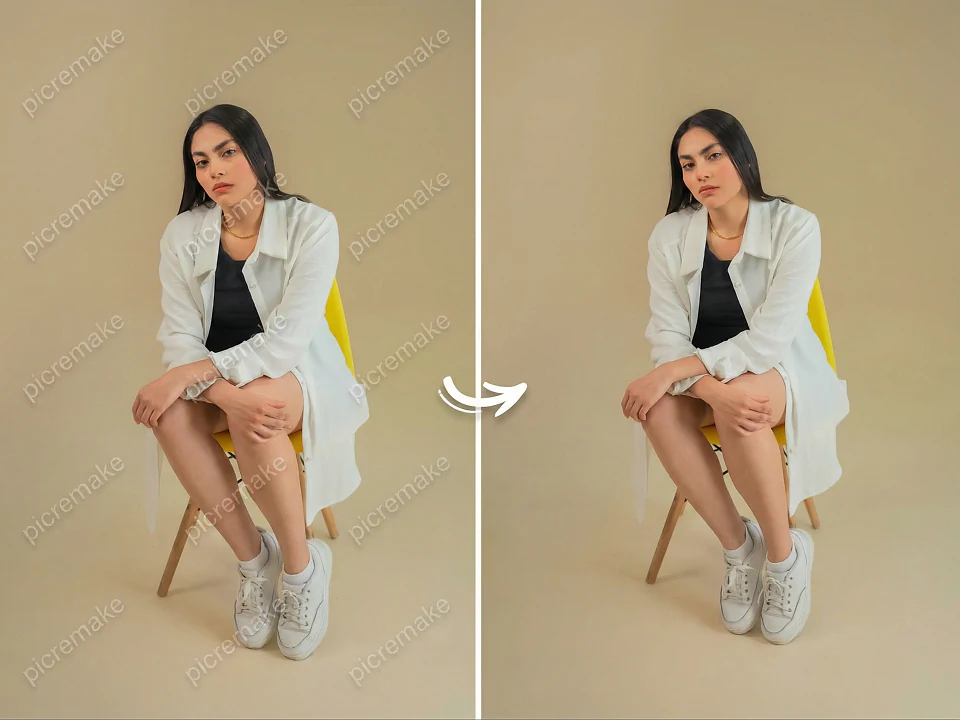
Feed in social posts, product previews, or test comps and let our tuned cleanup model reconstruct the background where the watermark lived.
Content-safe cleanup
Only touches the watermark regions while leaving the rest of the image unchanged.
Texture-aware fill
Restores the erased area with nearby colors, gradients, and depth cues for a natural finish.
Pixel-perfect exports
Outputs high-res PNG files you can bring straight into your design tools.
Watermark Cleaner
Feed in social posts, product previews, or test comps and let our tuned cleanup model reconstruct the background where the watermark lived.
Upload image
PNG, JPG, or WebP up to 25MB
Ready for a new image
Result
Download a clean PNG
Upload an image to see the clean result
History
Recent clean results
No history yet
How it works
How it works
Upload or paste your image
Drop in any PNG/JPG/WebP with a visible watermark, corner logo, or text overlay.
Run the cleaner
Our cleanup model erases the mark and rebuilds the background using nearby texture and lighting.
Download the clean version
Grab a PNG you can safely use in mocks, internal docs, or UX explorations.
Why teams rely on Watermark Cleaner
Get clean references and comps without spending manual time in a pixel editor.
Localised edits
Targets the watermark region instead of smudging the entire frame.
Texture-aware inpainting
Fills in missing pixels with plausible background based on nearby content.
No new logos added
The model is instructed not to add fresh text, marks, or icons.
Use cases
Design explorations
Clean preview assets so layout discussions focus on composition, not watermarks.
Internal documentation
Remove timestamps and HUD overlays from screen captures for cleaner decks.
Mock social posts
Strip noisy marks from reference images before testing copy and framing.
FAQ
Essential AI Tools
High-frequency image polish utilities.


 After
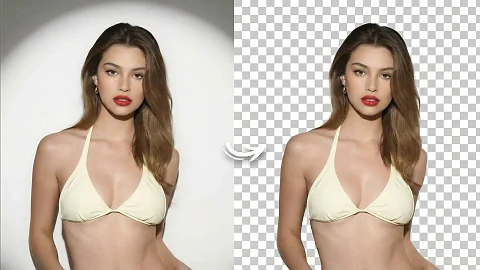
AfterOne-tap Background Removal
Preserve hair detail and transparent objects automatically.

 After
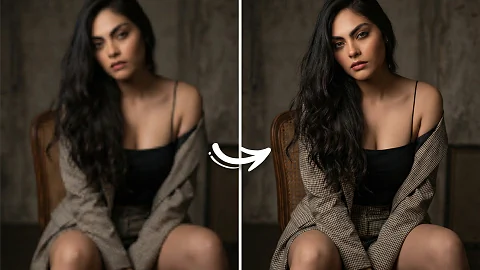
AfterHD Image Upscaler
Enlarge images while preserving sharp detail for print and web.
 After
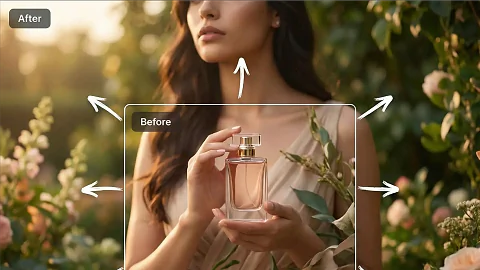
AfterImage Extend Studio
Outpaint borders for new ratios and layout needs.
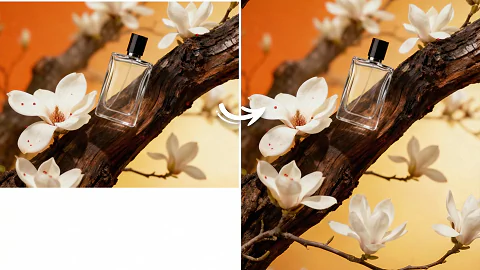
Aspect Ratio Remix
Resize key visuals for vertical, square, or widescreen canvases.