
Creative Sketchbook Spread
Ideal for tourism, culture, or stationery projects—the preset builds watercolor spreads with handwritten headers, stickers, and wooden desk backgrounds.
Two-page composition
Left and right pages get different titles, allowing sightseeing vs. food storytelling.
Label & sticker control
Adds Chinese handwritten captions plus sticker-like decorations to mimic real journaling.
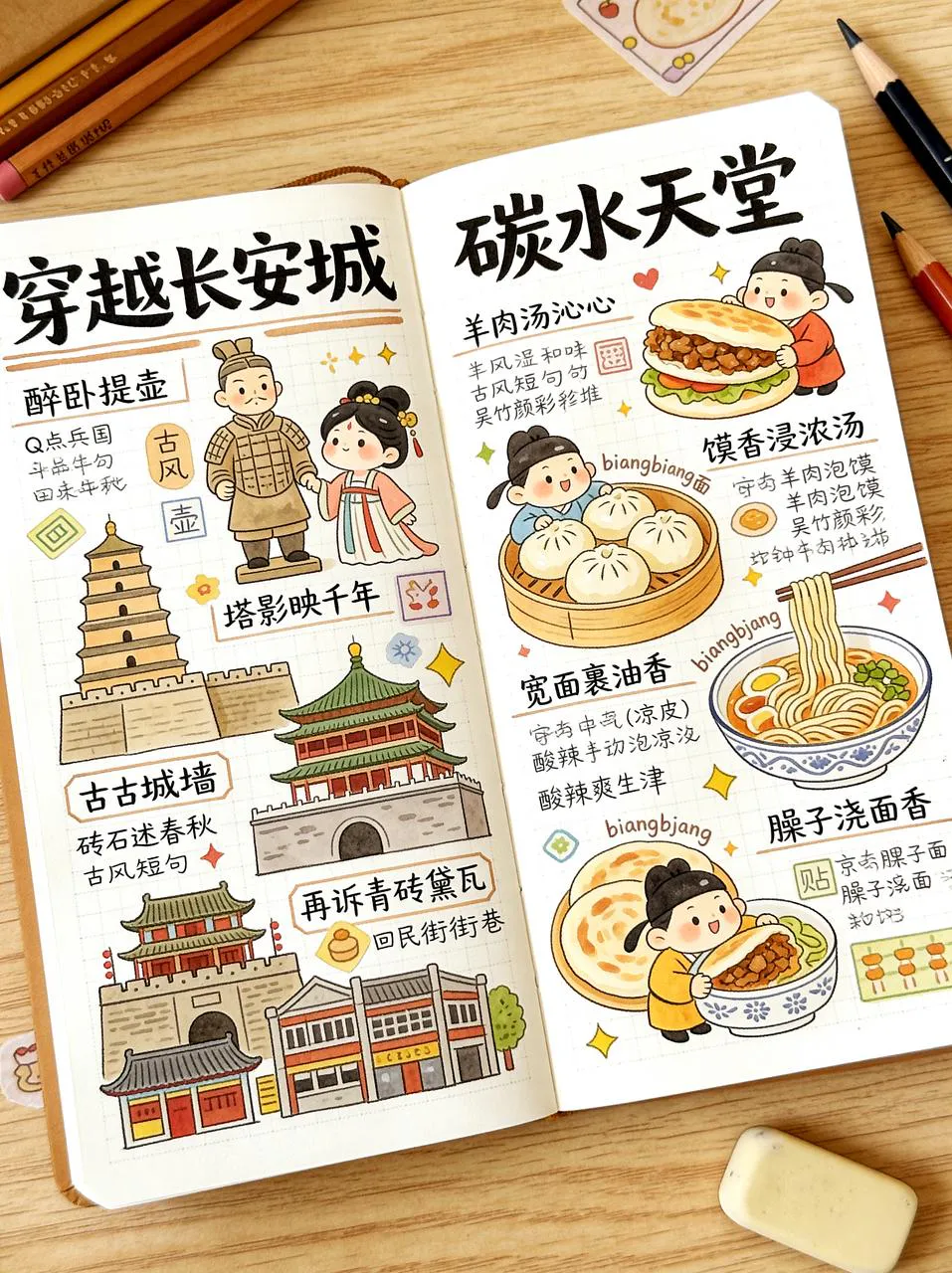
Creative Sketchbook Spread
Ideal for tourism, culture, or stationery projects—the preset builds watercolor spreads with handwritten headers, stickers, and wooden desk backgrounds.
Loading generator…
Scroll a bit or tap to load the interactive editor.
How teams use it
Usage Flow
Gather critical context
Upload hero shots, sketches, layout captures, or even unfinished renders that should be preserved.
Refine the scenario prompt
Start with the preset brief, add copy, CTA, or lighting cues, then pick the canvas ratio plus number of outputs.
Generate and continue editing
Each run spins up a PicRemake project so you can iterate, comment, and export assets with your usual workflow.
Why this preset works
Each scenario comes with calibrated prompts, business safeguards, and repeatable tips for the brief.
Warm watercolor palette
Soft colors and grainy paper texture keep the illustration cozy.
Desk background context
Places the spread on a wood surface with subtle stationery props for realism.
Sample executions
Tourism content
Summarize city highlights for social media or souvenir prints.
Stationery mockups
Preview new notebook templates with ready-made spreads.
Frequently asked
Can I swap the underlying generator?
This workflow is tuned end-to-end for PicRemake’s high-consistency image stack. Keeping the preset ensures poses, typography, and textures stay predictable. For experiments with other engines, duplicate the prompt from this page and use the universal generator.
How are reference images stored?
Uploads go directly to Cloudflare R2/OSS via your authenticated account. Files inherit PicRemake’s privacy settings and can be reused from the media library at any time.
What happens after generation?
We instantly create a PicRemake project and queue the task. You’ll land inside the editor with the task ID so you can monitor progress, compare outputs, and keep all iterations threaded with your teammates.
Explore related workflows
Combine this scenario with the rest of the blueprints to cover your full campaign surface.
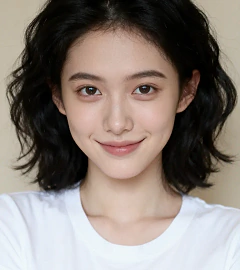 Before
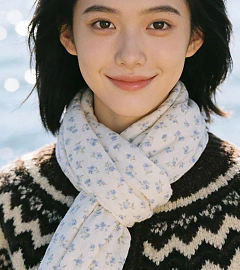 After
AfterPortrait Photoshoot
Magazine-level headshots with the same face ratio across every angle.
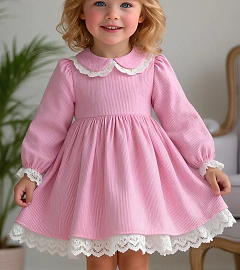 Before
 After
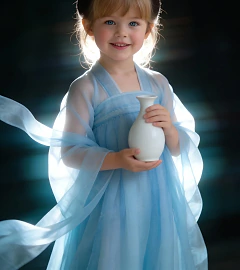
AfterChinese Hanfu Portrait
Transform everyday references into poetic Hanfu photography.
 After
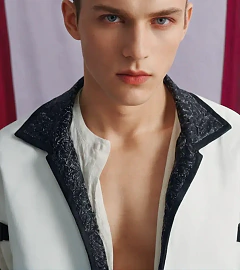
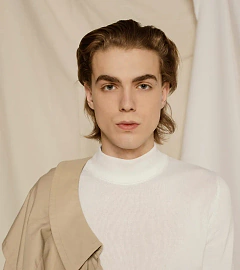
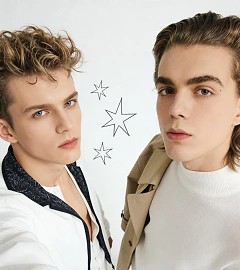
AfterDuo Portrait Selfie
Fuse two references into one high-angle selfie without warping either face.

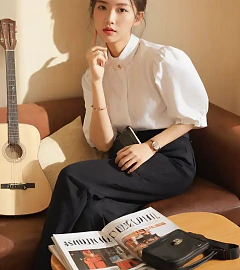
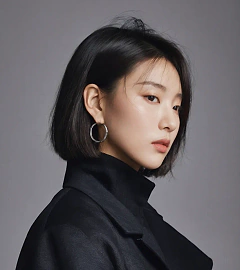
 After
AfterGroup Portrait Bench Shot
Blend three references into a pastel editorial group photo with matching wardrobe.