
Image Upscaler Remaker
Classic is the fast path for light HD repair. Ultra is built on Nano Banana 2 with a baked-in fidelity prompt for stronger texture recovery, artifact cleanup, and clarity reconstruction.
Faithful reconstruction
Keeps faces, product geometry, layout, and framing stable instead of redesigning the image.
Artifact cleanup
Cleans JPEG blocks, halos, ringing, and muddy blur while recovering cleaner edges.
Simple first, advanced second
Run Classic first, then upgrade to Ultra Remaster only when the result still isn't good enough.
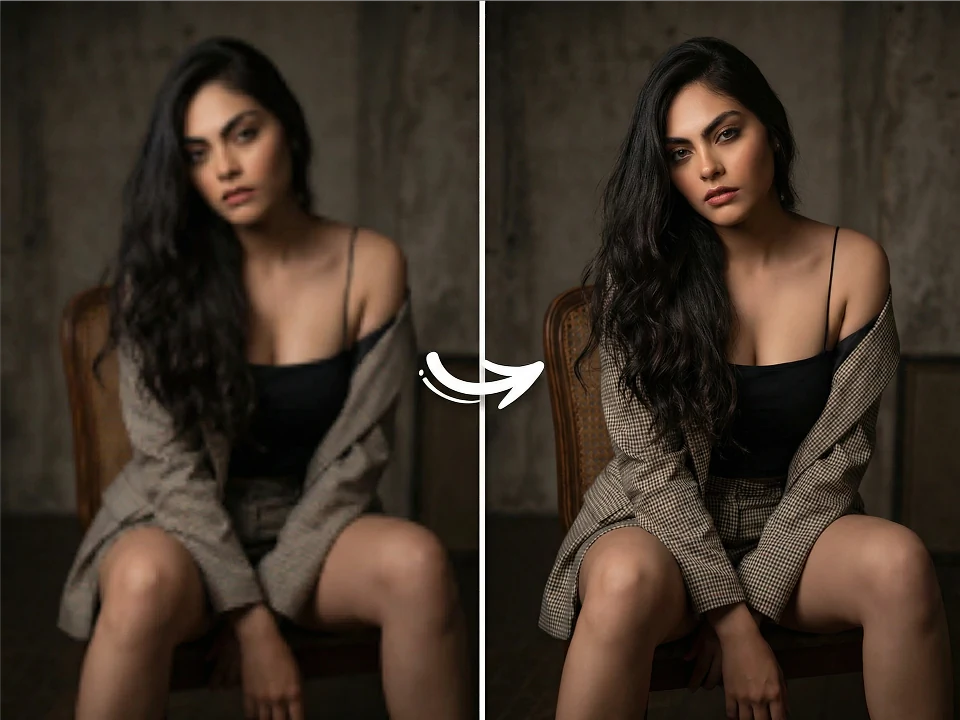
Image Upscaler Remaker
Classic is the fast path for light HD repair. Ultra is built on Nano Banana 2 with a baked-in fidelity prompt for stronger texture recovery, artifact cleanup, and clarity reconstruction.
Classic is the right first pass for light HD repair. If the result still feels soft, switch to Ultra Remaster.
Upload image
PNG, JPG, or WebP up to 25MB
Ready to upscale
Result
Download the HD version
Upload an image to preview the upscale
How it works
How it works
Upload a source image
Drop in PNG/JPG/WebP from screenshots, exports, portraits, products, or reference boards.
Run Classic 2× first
Get a fast baseline result for light HD repair before deciding whether you need a heavier remaster.
Switch to Ultra Remaster if needed
Use the stronger Nano Banana 2 pass when you need better texture recovery, cleaner edges, or more artifact cleanup.
Why keep both Classic and Ultra Remaster
Because different images need different levels of repair, and a simple-first workflow is easier to trust.
Faster light repair
Classic gives you a quick 2× baseline so you can see whether the image is already good enough.
Stronger detail recovery when needed
Ultra is better at rebuilding skin detail, fabric weave, packaging edges, and screenshot clarity after compression.
One upgrade path, no relearning
Users can move from Classic to Ultra on the same page without changing tools or losing context.
Use cases
Pitch deck visuals
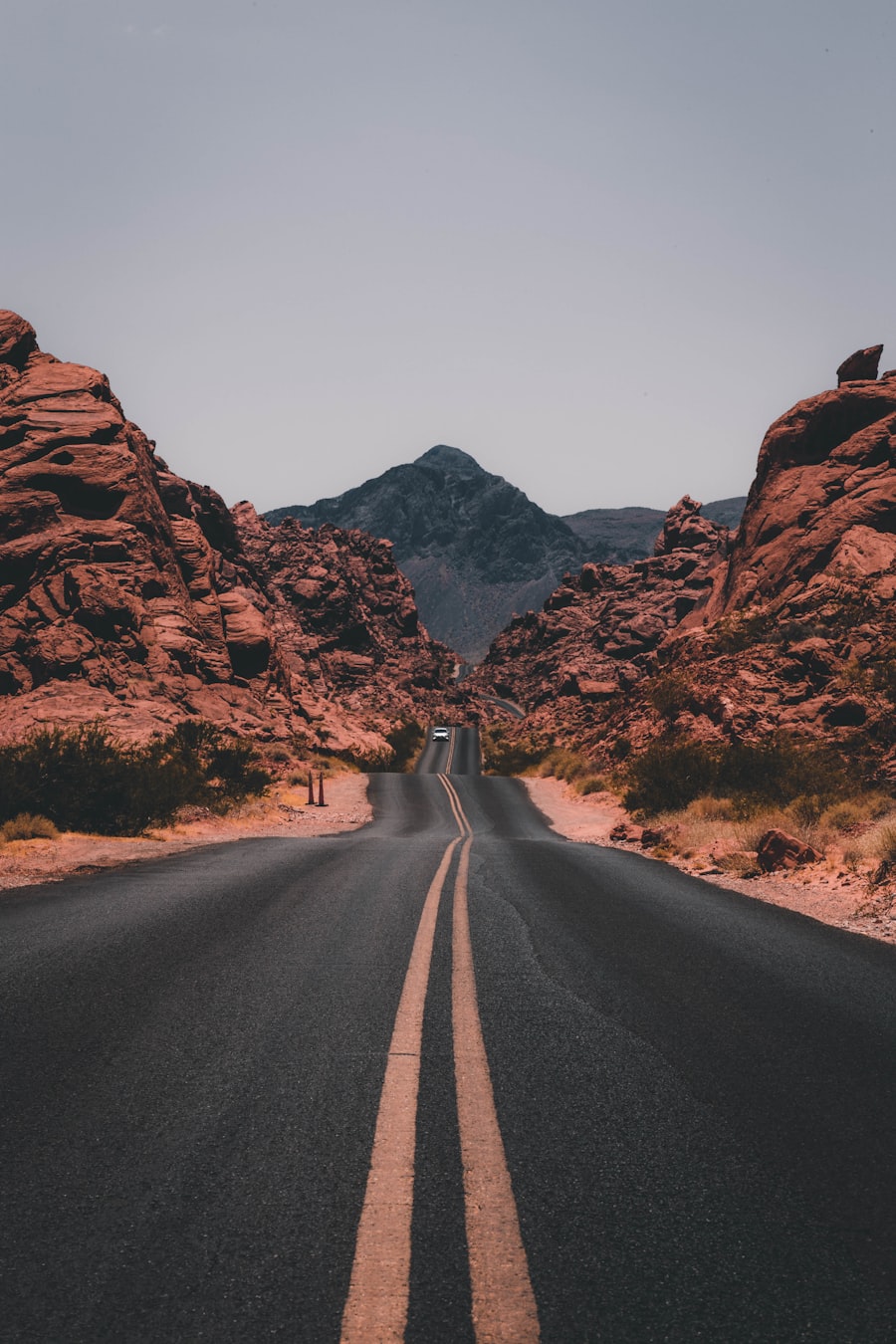
Run Ultra on supplier photos, screenshots, and references so they hold up on large displays.

E-commerce product shots
Recover compressed detail in product imagery, packaging crops, and catalog exports.

Screenshots and moodboards
Clean up blurry UI grabs and compressed references before sharing them internally.
FAQ
Essential AI Tools
High-frequency image polish utilities.


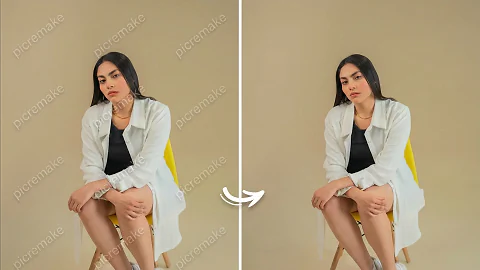
 After
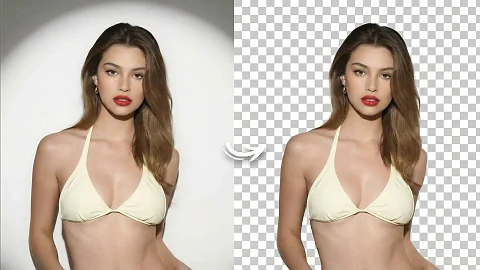
AfterOne-tap Background Removal
Preserve hair detail and transparent objects automatically.


 After
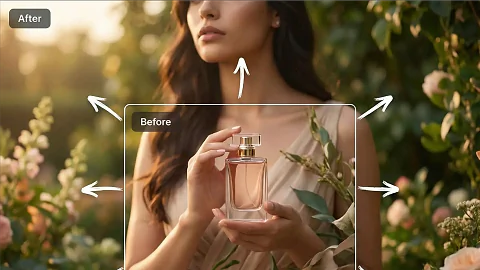
AfterWatermark Cleaner
Erase logos and on-image text while keeping content intact.
 After
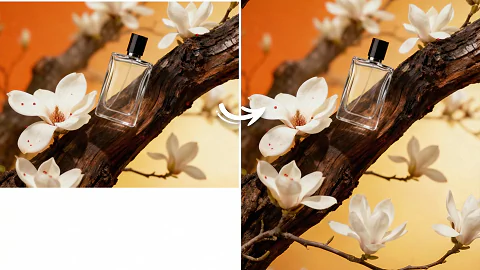
AfterImage Extend Studio
Outpaint borders for new ratios and layout needs.
Aspect Ratio Remix
Resize key visuals for vertical, square, or widescreen canvases.