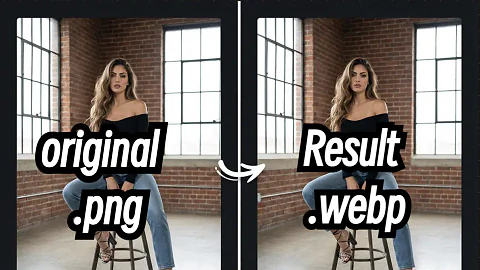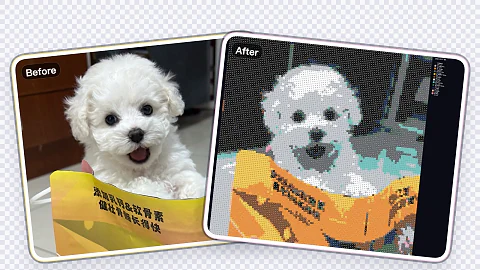
Image Compression Tool · Free Forever
Control max file size, target dimensions, and output format—all without uploading your creative files to a server.
Free forever
No sign-up or fees to compress assets.
Fully local processing
Files never leave your browser for safer handling.
Quality aware scaling
Dial in max MB and quality in one panel.
Batch-friendly workflow
Compress one asset, reuse the same settings instantly.
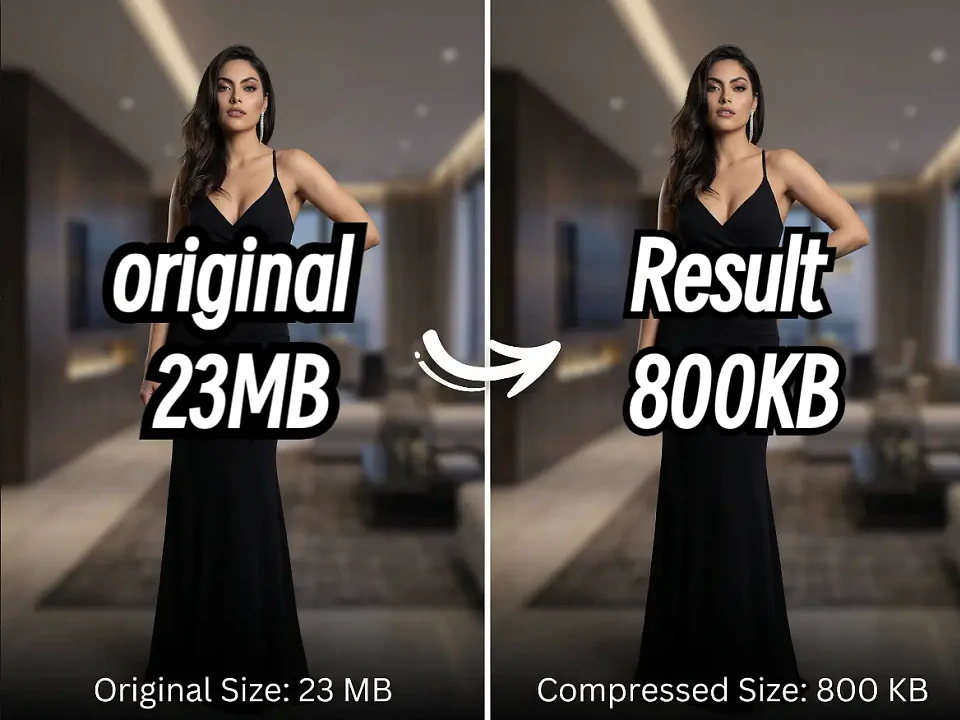
Image Compression Tool · Free Forever
Control max file size, target dimensions, and output format—all without uploading your creative files to a server.
Drag & drop or click to upload
PNG · JPG · WebP supported
Up to 100 images at once
Example: 60% keeps the file at roughly sixty percent of its current size.
All processing happens locally in your browser.
Compressed
Compress an image to view output stats.
How it works
How it works
Upload your asset
Drag in PNG, JPG, or WebP files up to 50 MB.
Tune compression
Pick the target ratio and we’ll handle the rest.
Preview & download
Compare before/after stats, then export instantly.
Why teams use it
Keep decks, banners, and landing pages snappy without handing files to third-party services.
MB budget control
Guarantee deliverables stay under platform limits.
Format flexibility
Swap to WebP or stay PNG/JPG depending on your workflow.
Local privacy
Assets never leave your browser tab.
Where it fits

Deck exports
Shrink hero images for pitch decks without pixelation.

Landing pages
Get faster LCP scores by trimming hero assets.

Marketplace uploads
Stay under size limits without emailing new renders.
FAQ
More Free Tools
Browser-native helpers with zero installs.