Bag Try-On
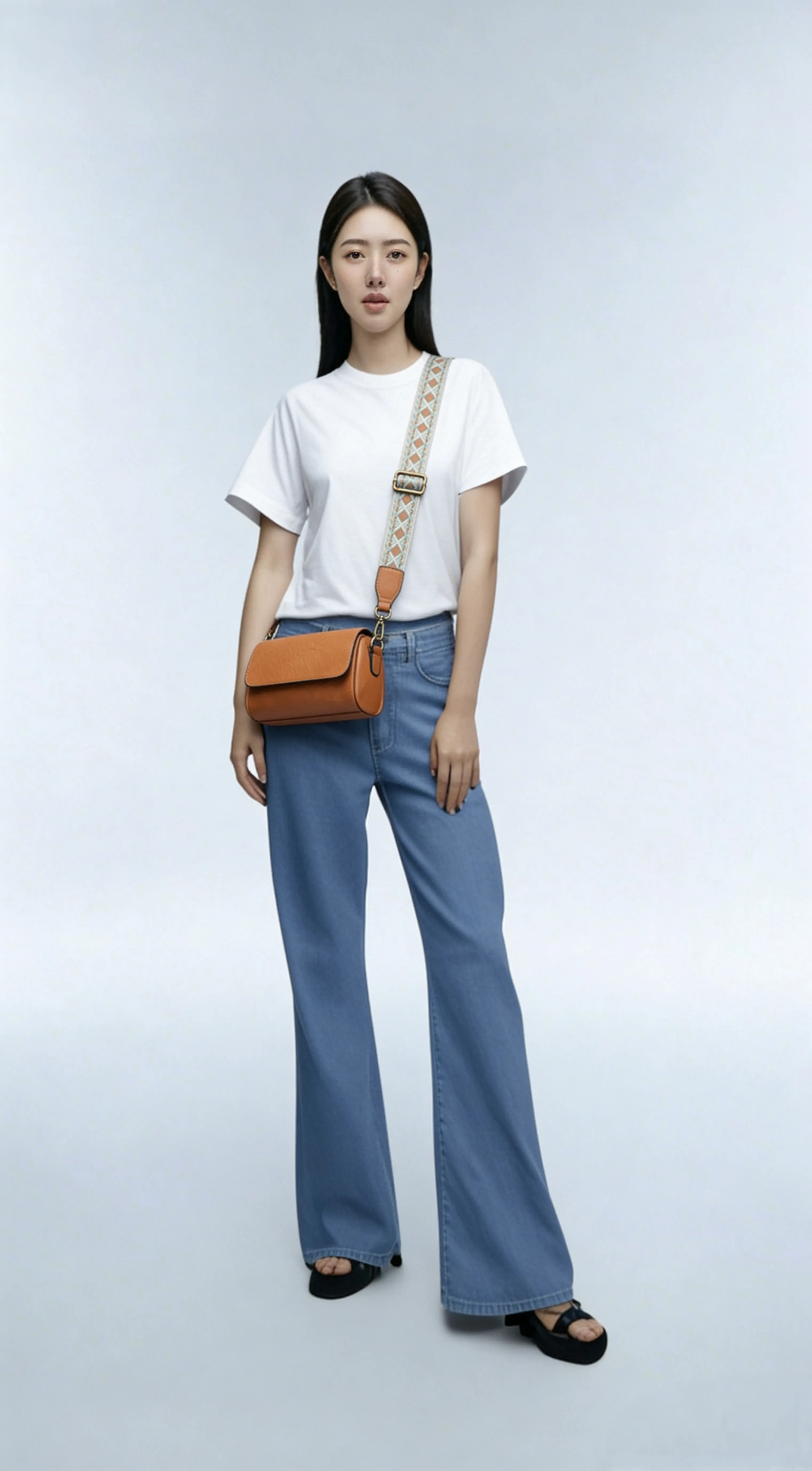
Best for handbag teams needing instant on-model visuals—the preset keeps the model pose intact while matching leather color, strap tension, and lighting.
Proportional placement
Adjusts strap length and contact points so the bag sits naturally.
Material fidelity
Preserves the bag's leather tone, metal hardware, and texture.
Bag Try-On
Best for handbag teams needing instant on-model visuals—the preset keeps the model pose intact while matching leather color, strap tension, and lighting.
Loading generator…
Scroll a bit or tap to load the interactive editor.
How teams use it
Usage Flow
Gather critical context
Upload hero shots, sketches, layout captures, or even unfinished renders that should be preserved.
Refine the scenario prompt
Start with the preset brief, add copy, CTA, or lighting cues, then pick the canvas ratio plus number of outputs.
Generate and continue editing
Each run spins up a PicRemake project so you can iterate, comment, and export assets with your usual workflow.
Why this preset works
Each scenario comes with calibrated prompts, business safeguards, and repeatable tips for the brief.
Pose lock
Protects the base model's expression and clothing wrinkles.
Flexible wearing styles
Describe crossbody, shoulder carry, or handheld to switch looks instantly.
Sample executions
Marketplace listings
Generate wearable shots for SKUs that only have packshots.
Styling proposals
Test how new bags pair with seasonal outfits without reshoots.
Frequently asked
Can I swap the underlying generator?
This workflow is tuned end-to-end for PicRemake’s high-consistency image stack. Keeping the preset ensures poses, typography, and textures stay predictable. For experiments with other engines, duplicate the prompt from this page and use the universal generator.
How are reference images stored?
Uploads go directly to Cloudflare R2/OSS via your authenticated account. Files inherit PicRemake’s privacy settings and can be reused from the media library at any time.
What happens after generation?
We instantly create a PicRemake project and queue the task. You’ll land inside the editor with the task ID so you can monitor progress, compare outputs, and keep all iterations threaded with your teammates.
Explore related workflows
Combine this scenario with the rest of the blueprints to cover your full campaign surface.
 Before
 After
AfterOne-click Erase
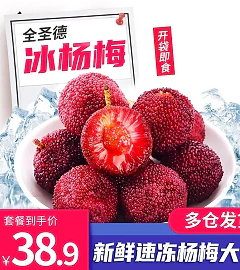
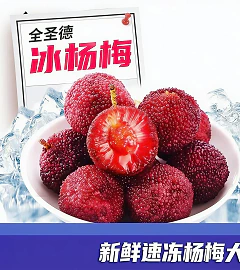
Remove campaign frames, stickers, or copy while keeping the SKU untouched.
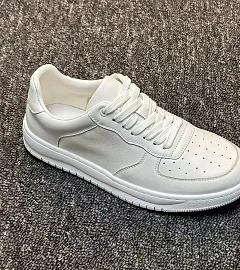 Before
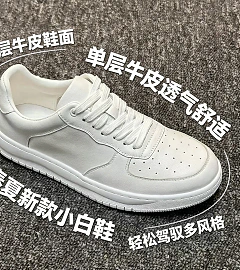 After
AfterProduct Selling Points
Auto-typeset multiple callouts with legible micro text.
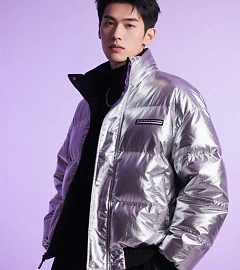 Before
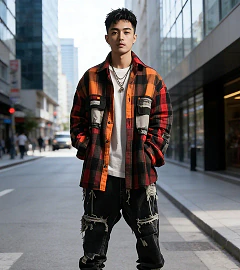 After
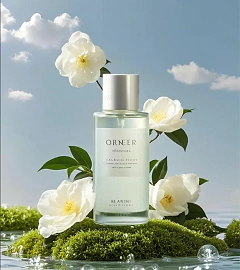
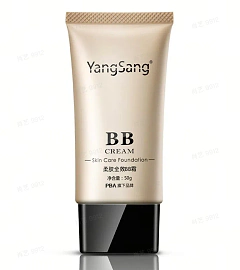
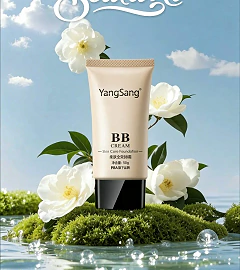
AfterProduct Detail Hero + Scene Placement
Drop your SKU into story-driven interiors with controllable prompts.
 After
AfterPoster Product Replacement + Title Overlay
Replace environments, add props, and overlay campaign titles.