
Jewelry Try-On Studio
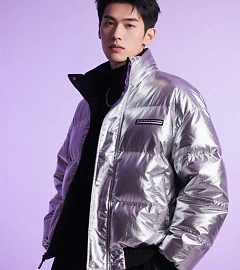
Designed for jewelry PDPs and social teasers—upload the original model shot, reference the sku, and the preset wraps chains or pendants around the neckline with correct physics.
Neckline fidelity
Jewelry follows collarbones and hair, ensuring clasps and pendants land in believable spots.
Metal & gem accuracy
Keeps gold, silver, or gemstone colors true to the reference without over-sharpening.
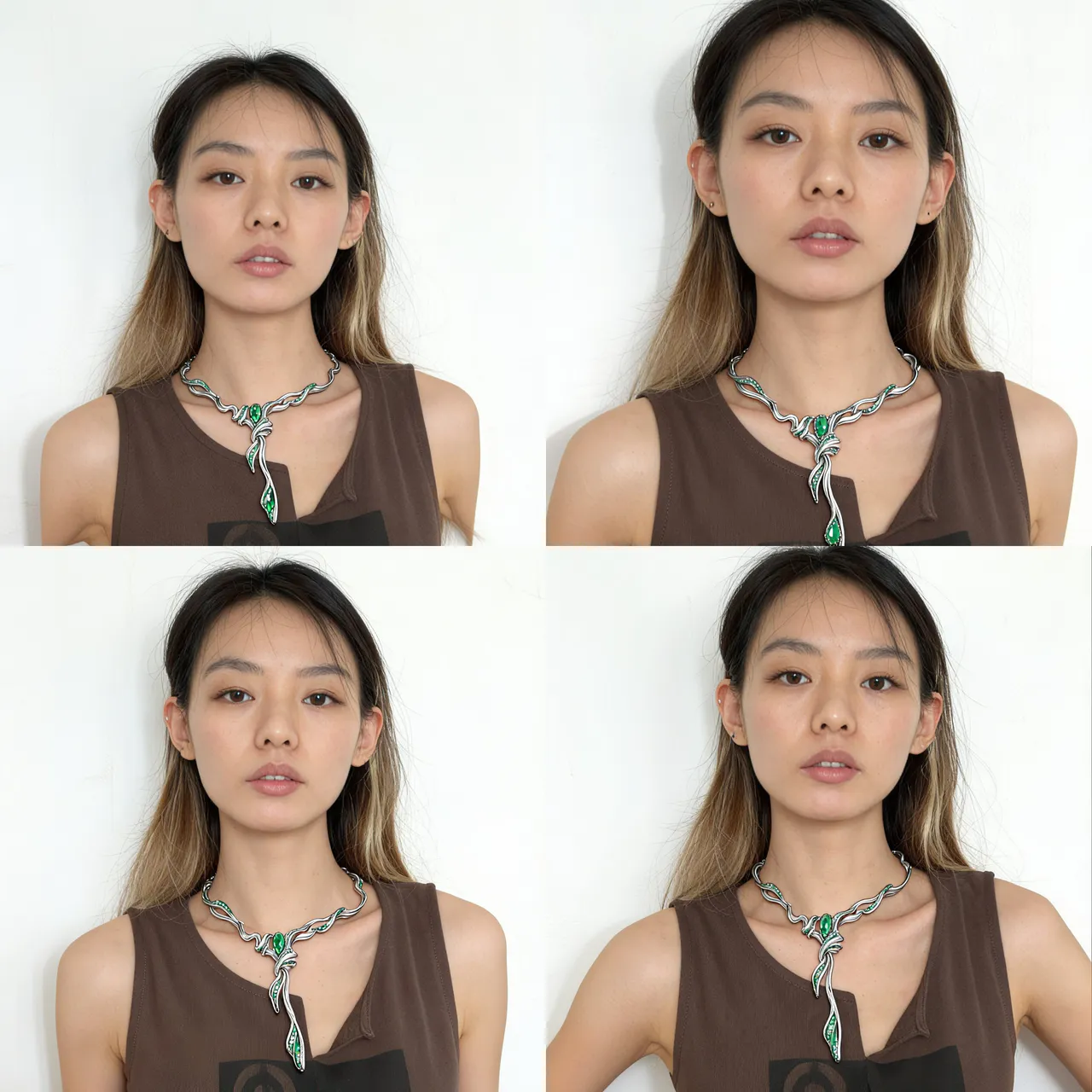
Jewelry Try-On Studio
Designed for jewelry PDPs and social teasers—upload the original model shot, reference the sku, and the preset wraps chains or pendants around the neckline with correct physics.
Loading generator…
Scroll a bit or tap to load the interactive editor.
How teams use it
Usage Flow
Gather critical context
Upload hero shots, sketches, layout captures, or even unfinished renders that should be preserved.
Refine the scenario prompt
Start with the preset brief, add copy, CTA, or lighting cues, then pick the canvas ratio plus number of outputs.
Generate and continue editing
Each run spins up a PicRemake project so you can iterate, comment, and export assets with your usual workflow.
Why this preset works
Each scenario comes with calibrated prompts, business safeguards, and repeatable tips for the brief.
Pose + wardrobe lock
Protects the base shot—expressions, garments, and retouching remain untouched.
Reference blending
Understands instructions like “use image #2 necklace, keep lighting warm and soft.”
Sample executions
Fine jewelry PDP refresh
Generate wearable demos for SKUs that only have packshots.
Influencer seeding mockups
Mock different pieces on the same creator before approving sampling budgets.
Frequently asked
Can I swap the underlying generator?
This workflow is tuned end-to-end for PicRemake’s high-consistency image stack. Keeping the preset ensures poses, typography, and textures stay predictable. For experiments with other engines, duplicate the prompt from this page and use the universal generator.
How are reference images stored?
Uploads go directly to Cloudflare R2/OSS via your authenticated account. Files inherit PicRemake’s privacy settings and can be reused from the media library at any time.
What happens after generation?
We instantly create a PicRemake project and queue the task. You’ll land inside the editor with the task ID so you can monitor progress, compare outputs, and keep all iterations threaded with your teammates.
Explore related workflows
Combine this scenario with the rest of the blueprints to cover your full campaign surface.
 Before
 After
AfterOne-click Erase
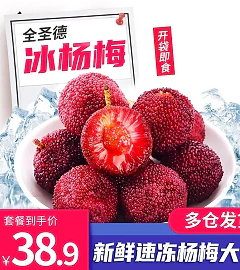
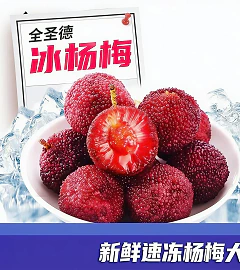
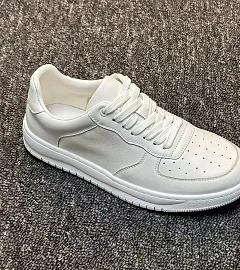
Remove campaign frames, stickers, or copy while keeping the SKU untouched.
 Before
 After
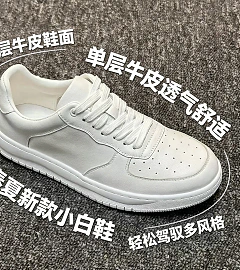
AfterProduct Selling Points
Auto-typeset multiple callouts with legible micro text.
 Before
 After
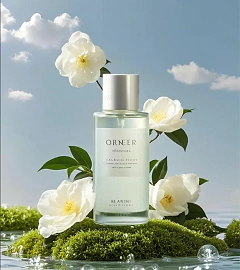
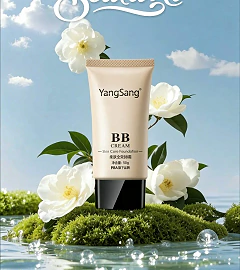
AfterProduct Detail Hero + Scene Placement
Drop your SKU into story-driven interiors with controllable prompts.
 After
AfterPoster Product Replacement + Title Overlay
Replace environments, add props, and overlay campaign titles.