Logo Illustration Lab
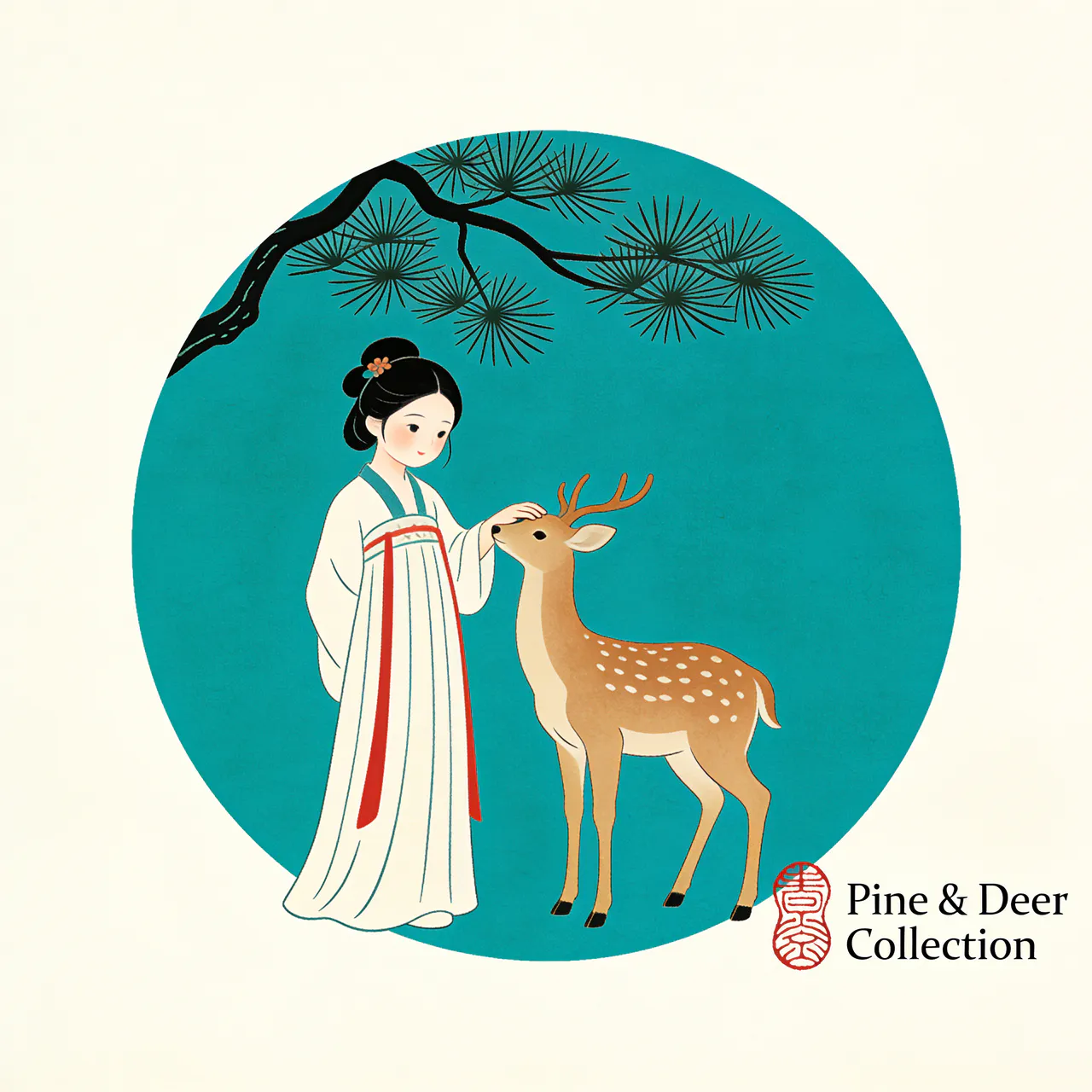
Useful for boutique brands needing fast moodboard logos—keeps compositions simple yet storytelling-rich.
Editorial composition
Places mascot, scenery, and typography with proper balance.
Color discipline
Applies limited palettes (e.g., teal + cream + vermilion) without muddy blending.
Logo Illustration Lab
Useful for boutique brands needing fast moodboard logos—keeps compositions simple yet storytelling-rich.
Loading generator…
Scroll a bit or tap to load the interactive editor.
How teams use it
Usage Flow
Gather critical context
Upload hero shots, sketches, layout captures, or even unfinished renders that should be preserved.
Refine the scenario prompt
Start with the preset brief, add copy, CTA, or lighting cues, then pick the canvas ratio plus number of outputs.
Generate and continue editing
Each run spins up a PicRemake project so you can iterate, comment, and export assets with your usual workflow.
Why this preset works
Each scenario comes with calibrated prompts, business safeguards, and repeatable tips for the brief.
Line clarity
Ensures outlines remain crisp for embroidery or print.
Text integration
Supports English or Chinese captions with specified fonts.
Sample executions
Rebrand explorations
Quickly iterate illustration-based logos for pitches.
Limited merch
Create badges, tote prints, or patches with narrative visuals.
Frequently asked
Can I swap the underlying generator?
This workflow is tuned end-to-end for PicRemake’s high-consistency image stack. Keeping the preset ensures poses, typography, and textures stay predictable. For experiments with other engines, duplicate the prompt from this page and use the universal generator.
How are reference images stored?
Uploads go directly to Cloudflare R2/OSS via your authenticated account. Files inherit PicRemake’s privacy settings and can be reused from the media library at any time.
What happens after generation?
We instantly create a PicRemake project and queue the task. You’ll land inside the editor with the task ID so you can monitor progress, compare outputs, and keep all iterations threaded with your teammates.
Explore related workflows
Combine this scenario with the rest of the blueprints to cover your full campaign surface.
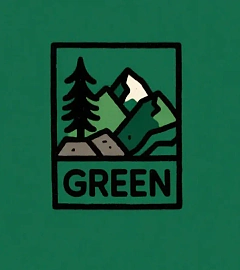 Before
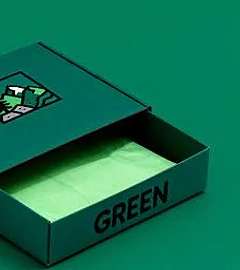 After
AfterLogo-to-Merch Suite
Grow one logo into full packaging, apparel, and accessories.
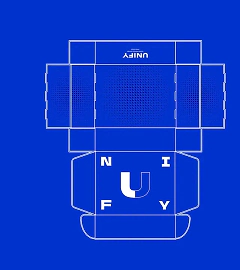 Before
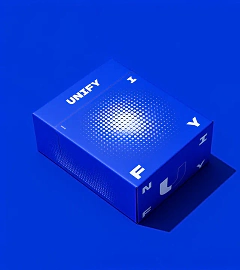 After
AfterFlat-to-Box Mockups
Fold dielines into photoreal packaging within seconds.
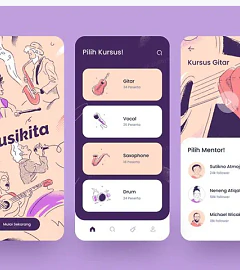 Before
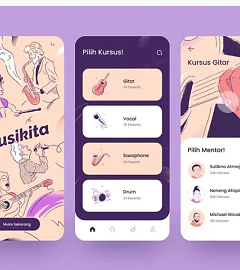 After
AfterUI Color Refresh
Recolor entire app screens with one prompt while preserving layout.
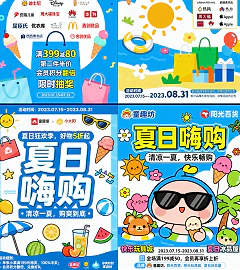
Copy-Dense Poster Lab
Generate seasonal mall posters with multiple text areas and accurate microcopy.