Portrait Photoshoot
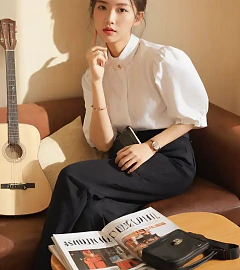
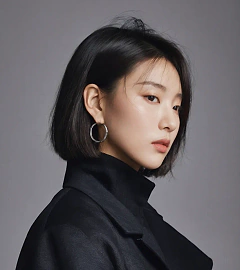
For creator-led studios that need cinematic portraits based on everyday references while keeping facial structure, skin tone, and wardrobe textures intact.
Consistent facial retention
Automatically preserves jawline, nose bridge, and skin undertones even when you swap outfits or backgrounds.
Photo studio lighting presets
Sea breeze, sports, and Guofeng looks are pre-baked so you don’t have to rewrite the entire prompt each time.
Portrait Photoshoot
For creator-led studios that need cinematic portraits based on everyday references while keeping facial structure, skin tone, and wardrobe textures intact.
Loading generator…
Scroll a bit or tap to load the interactive editor.
How teams use it
Usage Flow
Gather critical context
Upload hero shots, sketches, layout captures, or even unfinished renders that should be preserved.
Refine the scenario prompt
Start with the preset brief, add copy, CTA, or lighting cues, then pick the canvas ratio plus number of outputs.
Generate and continue editing
Each run spins up a PicRemake project so you can iterate, comment, and export assets with your usual workflow.
Why this preset works
Use it whenever a client brief requires controllable poses plus boutique retouching without over-smoothing.
Small-face sculpting and tone control
Fixes the common 'wide jaw' issue and balances warm/cool skin tone shifts when moving between outdoor and indoor lighting.
Multiple editorial moods
Switch between seaside daylight, energetic running shots, or Guofeng kid portraits by only tweaking a few nouns.
Natural depth of field
Built-in shallow focus keeps the subject crisp while washing the background with controllable gradients.
Sample executions
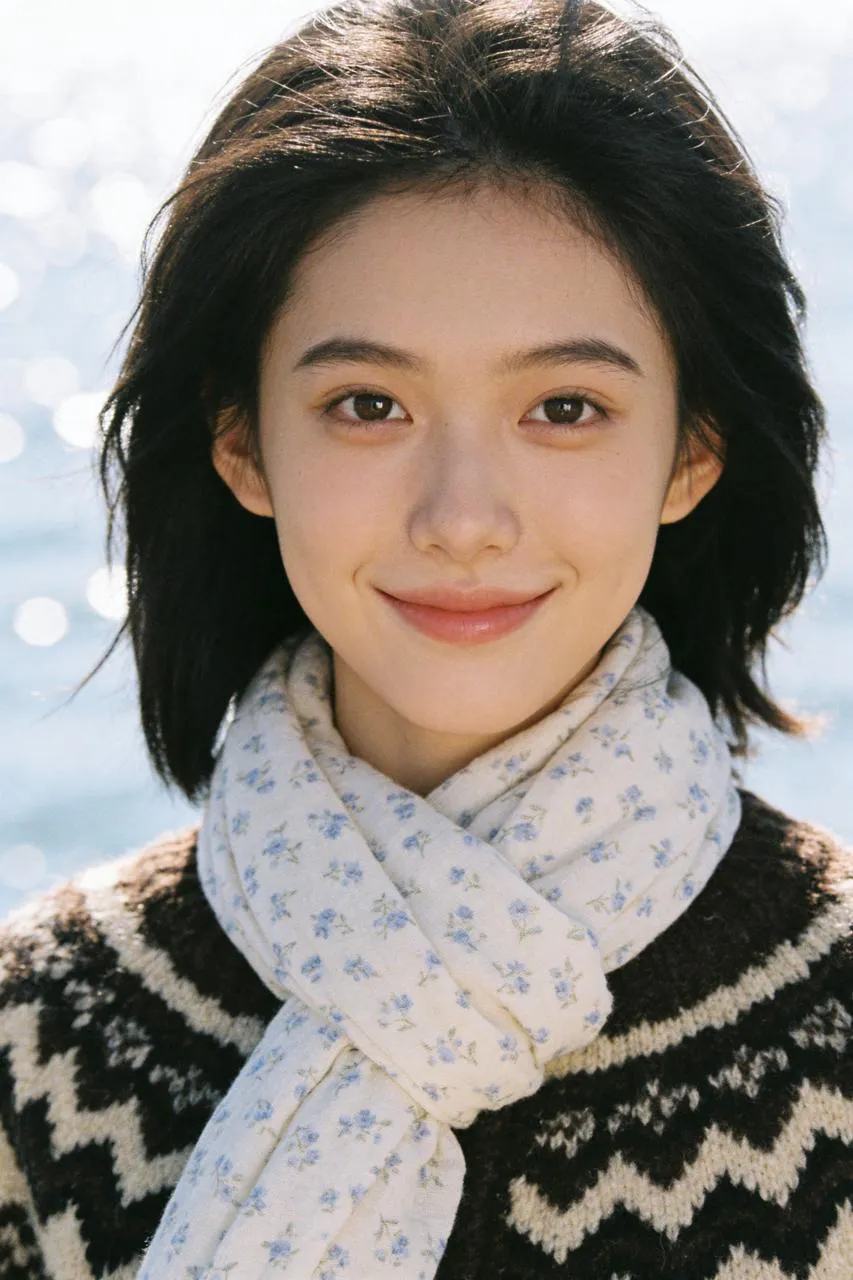
Sea breeze lifestyle portrait
Keep the reference face, dress her in retro knitwear and layer a scarf, then place her by a sparkling ocean with center framing.
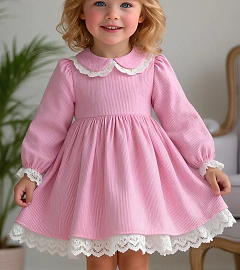
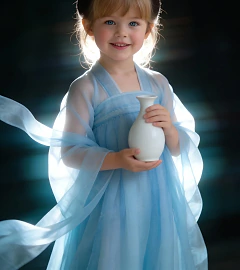
Guofeng kid lookbook
Turn a snapshot of a child into a soft Guofeng portrait with side backlight and theatrical fabric translucency.
Frequently asked
Can I swap the underlying generator?
This workflow is tuned end-to-end for PicRemake’s high-consistency image stack. Keeping the preset ensures poses, typography, and textures stay predictable. For experiments with other engines, duplicate the prompt from this page and use the universal generator.
How are reference images stored?
Uploads go directly to Cloudflare R2/OSS via your authenticated account. Files inherit PicRemake’s privacy settings and can be reused from the media library at any time.
What happens after generation?
We instantly create a PicRemake project and queue the task. You’ll land inside the editor with the task ID so you can monitor progress, compare outputs, and keep all iterations threaded with your teammates.
Explore related workflows
Combine this scenario with the rest of the blueprints to cover your full campaign surface.
 Before
 After
AfterChinese Hanfu Portrait
Transform everyday references into poetic Hanfu photography.
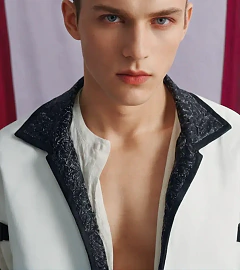
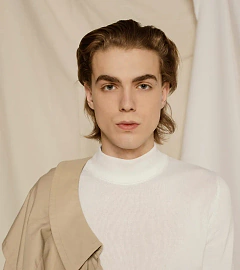
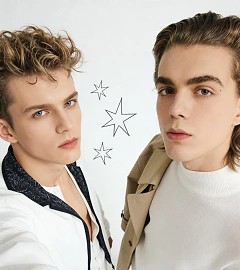 After
AfterDuo Portrait Selfie
Fuse two references into one high-angle selfie without warping either face.
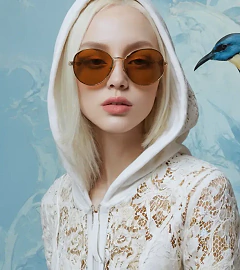
 After
AfterGroup Portrait Bench Shot
Blend three references into a pastel editorial group photo with matching wardrobe.
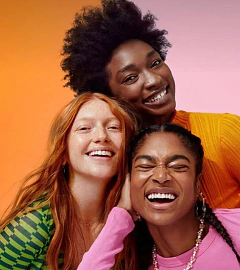 Before
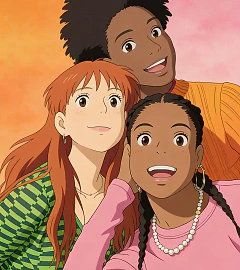 After
AfterStylized Portrait (Animation)
Turn reference faces into painterly animation frames without shifting skin tone.